
Zones & area pricing
Draw your patch. Price your patch.
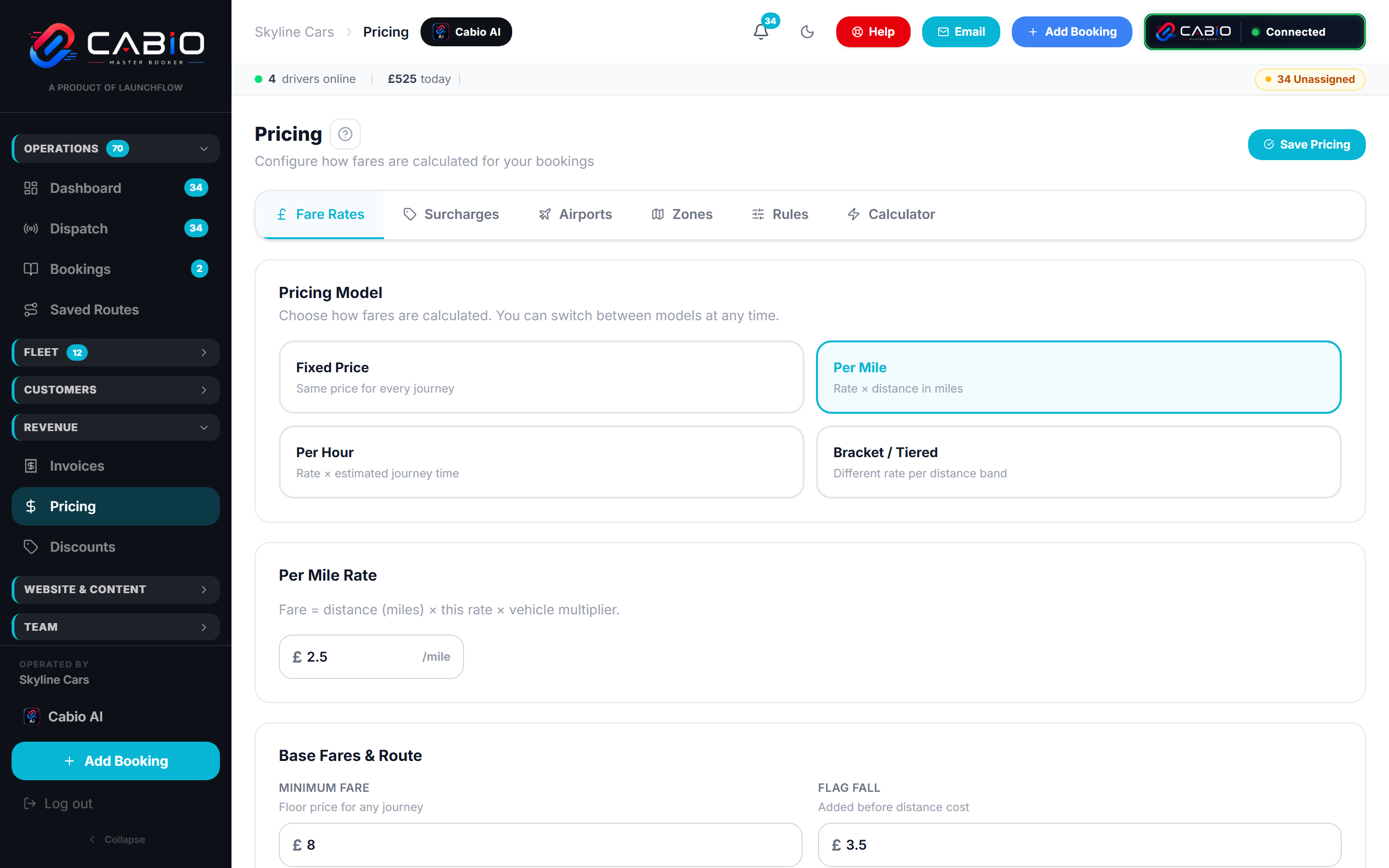
Every fleet has areas that price differently — the ULEZ, the town centre, that estate by the airport. In Cabio you draw them on a map and the engine applies them to every quote, on every channel.
How it works
Geometry, not guesswork
Zones are real shapes tested against real coordinates — which is why they don't misfire.
Draw polygons
Sketch any shape directly on the map — a ULEZ boundary, a town centre, one awkward estate.
Drop circles
A centre and a radius when a circle is all you need — stored as a proper zone like everything else.
Surcharge or fixed price
Each zone can add a surcharge to the metered fare or pin journeys to a fixed price.
Exact geometry
Quotes test the actual pickup and drop-off points against your zone shapes — not postcode guesswork.
No substring surprises
Zones match by geometry, so 'Grays' never accidentally matches 'Graystone Road' three towns away.
Test before you publish
Run real journeys through the calculator and see exactly which zones fired and what they added.
Why it matters
Area pricing is where quotes quietly go wrong
Text-matching area names is how other systems do it — and how a fare picks up a city-centre surcharge from a street that merely contains the city's name. Cabio checks the journey's actual points against your drawn shapes instead.
- ULEZ and congestion charges applied only when the journey truly enters the zone
- Fixed-price zones for the flat-rate areas your customers expect
- Zones combine with airport rates and night surcharges in a defined order
- Change a boundary and the next quote uses it — no republish step
Bring your trickiest boundary
On the demo we'll draw your real zones and quote journeys across the edges — where other systems get it wrong.